New & Upcoming Cars

Oct 29, 2026

Volvo EX30 Door-Opening Alert: Rear Traffic and Buyer Checks

A journey is not quite finished when the car stops. Before anyone opens a door, they still need to check the space beside the vehicle and traffic approaching from behind. A useful safety-feature assessment includes that final moment, alongside the more familiar driving and parking checks.

This guide examines the EX30 door-opening alert described in the current official Volvo Cars India feature information, checked on 29 October 2026. It is an ownership-feature guide, without implying a new launch announcement.

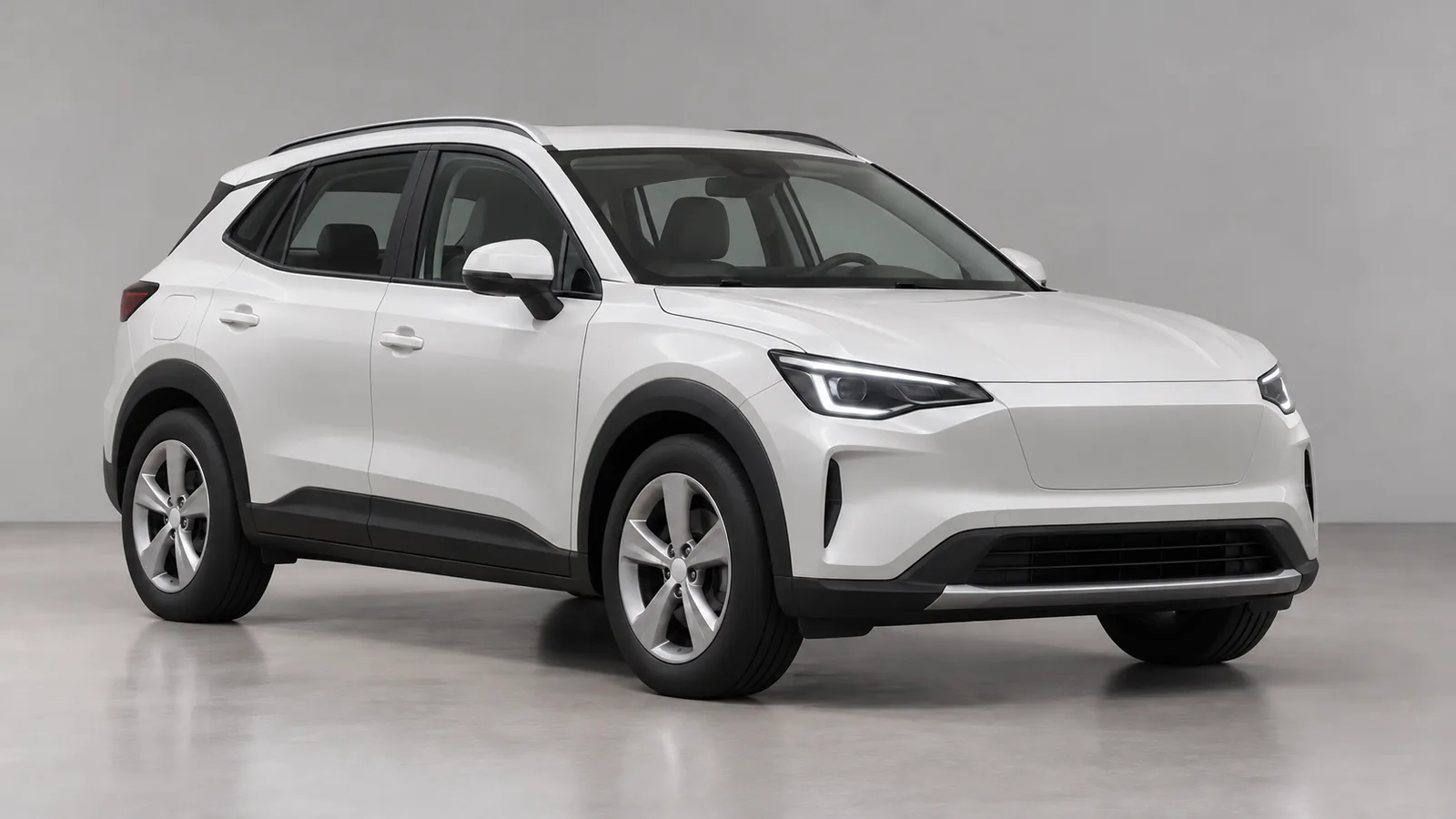
Cover illustration: an AI-generated generic unbranded electric crossover in a professional photography studio. It does not depict the Volvo EX30 or an official vehicle design.

What does the EX30 door-opening alert detect?

Volvo says the EX30 uses rear radars to detect cyclists and scooters approaching from behind and alert occupants when someone goes to open a door.

Its two-level warning description includes a steady Blind Spot Information System (BLIS) light, escalating to a flashing light and warning sound when a collision risk is imminent.

The practical point is to recognise the warning and pause before opening the door further. Do not treat the feature's name as a promise that a door will be physically held shut. Ask the retailer to explain the exact behaviour using the car's applicable manual.

Keep observation part of every passenger's routine

Volvo's safety guidance says driver-support functions complement safe driving and do not replace attention or judgement. The driver remains responsible for the vehicle's safe operation.

A quiet system should never become permission to open a door without looking. Check mirrors and the surrounding space, and make sure passengers understand that they must look for passing traffic themselves. Discuss this routine with anyone who regularly travels in the car.

What to ask during the showroom handover

  • Ask the retailer to identify the warning light and explain the sounds and display messages.
  • Review the applicable settings and detection limitations in the car's current manual.
  • Make sure regular passengers can recognise the warning and understand how to respond.
  • Use a safe, retailer-led explanation or demonstration. Do not open a door into passing traffic to test detection.

Learn the controls while parked, before relying on them on a busy street. If anything is unclear, have the retailer resolve it during handover and show where the relevant instructions can be found later.

Confirm the equipment on the exact India order

Volvo notes that features may vary by market, equipment, powertrain and model year. Confirm the specification of the vehicle being quoted.

Include that confirmation in the written equipment discussion, alongside service access and ownership costs. Judge the feature by whether you and your passengers understand it, rather than assuming a technology label removes the need for care.

Before shortlisting or visiting a dealer, check an indicative eligible amount and estimated EMI with AutoCred. Results are indicative; final eligibility, rate, tenure and approval depend on the lender.

Read more
Oct 29, 2026

Grand Vitara HUD vs Instrument Display: India Variant Guide

Before paying for dashboard equipment, separate what you want to see from where you want to see it. A head-up display and the instrument screen behind the steering wheel serve different viewing needs. Comparing them individually makes more sense than judging a cabin by the number of screens.

This guide reviews the current official Grand Vitara India information and linked brochure, checked on 29 October 2026. It examines equipment, without implying a fresh launch or update.

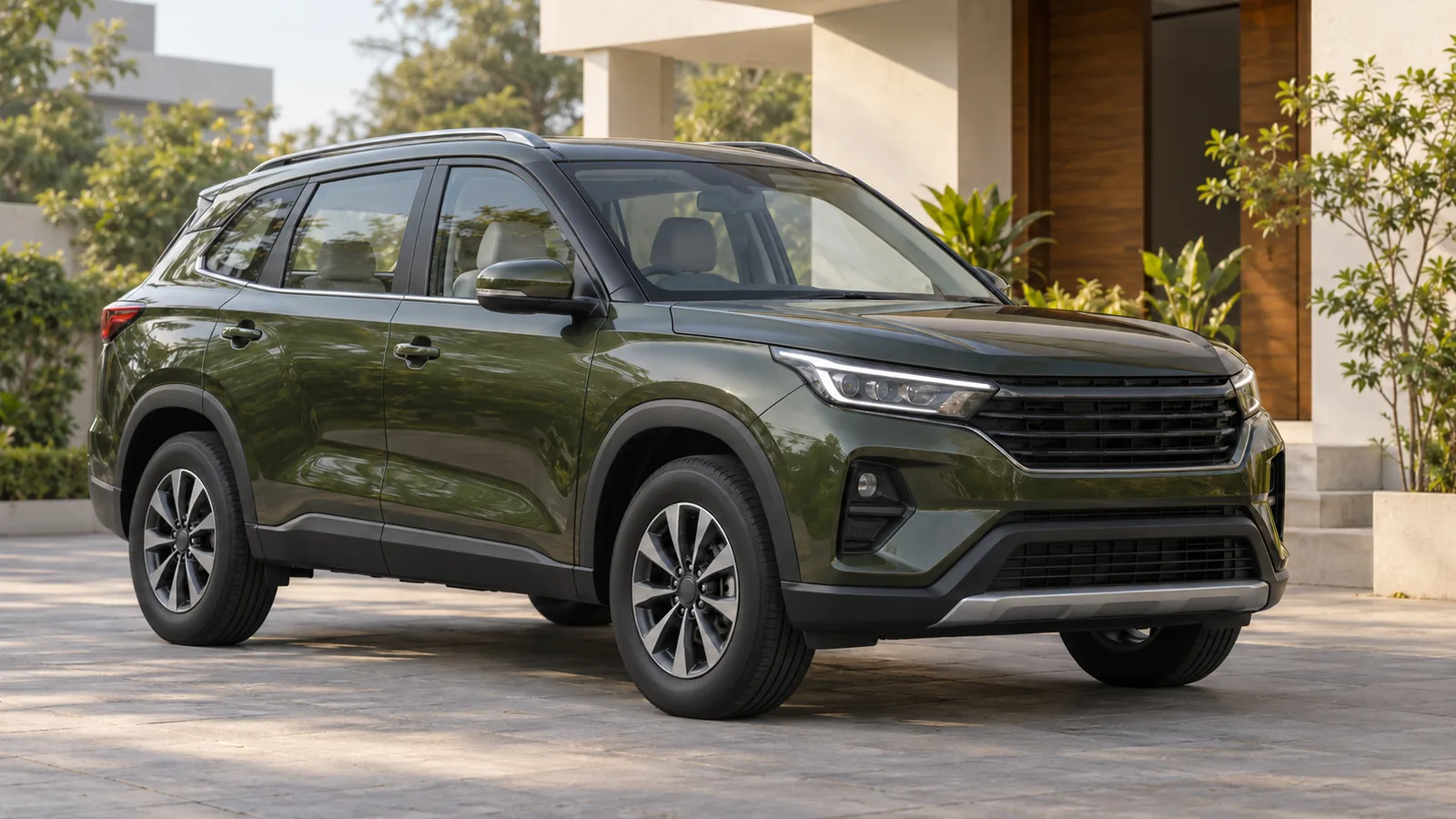
Cover illustration: an AI-generated generic unbranded crossover outside an Indian home. It does not depict the Grand Vitara, its dashboard or an official vehicle design.

What does the Grand Vitara head-up display show?

The official brochure, PDF page 9, describes a coloured head-up display showing speed, RPM, fuel economy, air-conditioning functions and warning notifications in the driver's line of sight.

The same brochure page describes the 7-inch multi-information display separately, including incoming-call alerts, a turn-by-turn indicator, tyre-pressure information and fuel consumption.

Do not assume that information demonstrated on the instrument screen also appears on the head-up display. If navigation prompts matter to you, ask the dealer to show exactly where they appear and explain any phone or connectivity requirements.

Which Grand Vitara grades get the HUD?

These selected grade groups are listed in the brochure equipment matrix, PDF page 15. MID means multi-information display.

Grade groupHead-up displayColour MID
Petrol Zeta / Zeta (O)Absent7-inch
Petrol Alpha / Alpha (O)Included4.2-inch
Strong Hybrid Zeta+ / Zeta+ (O)Absent7-inch
Strong Hybrid Alpha+ / Alpha+ (O)Included7-inch

Read the powertrain label alongside the grade name. The table illustrates why adding a HUD and choosing a larger instrument display should be assessed as separate equipment decisions. Match the exact quoted variant to the current brochure before booking.

Check visibility from your normal driving position

Set the seat and steering wheel for a comfortable driving posture before assessing either display. Wear your usual driving glasses and ask for a demonstration in both sunlight and shade. Judge whether you can read the information comfortably without leaning or changing your preferred posture.

Ask the dealership to explain the available display controls and the applicable owner's-manual instructions while parked. Confirm which information you find useful at a glance, and which menus you would prefer to review before setting off.

Choose everyday usability before adding equipment

Request a written equipment list for the car being quoted and compare it with the demonstration vehicle. Evaluate the display alongside seating, visibility and the complete purchase cost. A feature earns its place on your shortlist when it improves your own experience enough to justify the expenditure.

Before shortlisting or visiting a dealer, check an indicative eligible amount and estimated EMI with AutoCred. Results are indicative; final eligibility, rate, tenure and approval depend on the lender.

Read more
Oct 29, 2026

MG Majestor Savvy: 4x2 vs 4x4 and Seating Choices

Choosing an MG Majestor involves more than the Savvy name. MG's current India model page lists separate drivetrain and seating combinations, describing its 2WD versions as rear-wheel drive. Check those fields together before comparing quotations.

MG Majestor Savvy: which seating and drivetrain combinations are listed?

Listed versionDrivetrainSeating layout
Savvy 4x2, 6-seaterRear-wheel drive2+2+2, second-row captain seats
Savvy 4x2, 7-seaterRear-wheel drive2+3+2, second-row bench
Savvy 4x4, 7-seaterFour-wheel drive2+3+2, second-row bench

Source: current variant list and seating FAQ. The linked brochure also identifies the captain-seat option with 2WD.

The practical point is to make the seating decision and drivetrain decision together. Ask the dealer to demonstrate the exact combination you are considering. A display vehicle with a different layout can help you inspect the finish, but it cannot settle every question about the version on your order form.

Which capability features belong to the 4x4?

The brochure marks low-range four-wheel drive, 10 off-road modes, front, centre and rear differential locks, and M-Crawl as 4x4-only. Its powertrain table lists a 2.0-litre twin-turbo diesel and eight-speed automatic for Savvy. Source: equipment tables, pages 30–32.

Use the feature matrix when deciding what you need. The broad model presentation and the detailed variant row serve different purposes. Request written confirmation of the equipment included in the quoted vehicle, particularly if a demonstration focuses on capabilities important to your purchase.

Alongside this equipment comparison, check your indicative eligible amount and estimated EMI before shortlisting. Assess the indication alongside the complete vehicle quotation. Results are indicative; final eligibility, rate, tenure and approval depend on the lender.

Try the seating layout with your regular passengers

Arrange the demonstration around how your household travels. Bring the passengers who regularly use the rear rows, and allow time to try access and seating positions rather than judging the cabin only from the front.

  • Check entry and exit with the seats positioned for your usual passengers.
  • Try the adjustment and folding mechanisms with the demonstrator.
  • Assess luggage space for the seating arrangement you expect to use.
  • Consult the applicable manual for child-seat installation and restraint instructions.

Record your observations separately for the relevant layout. That creates a more useful comparison than a general impression of cabin size, especially if family members have different priorities.

Confirm the exact Majestor before booking

Ask the order form to identify the full variant, drivetrain, seating count, model year and included equipment. Confirm the current payable amount and delivery estimate in writing. The brochure notes that specifications can change and advises checking the latest details with the dealer. Source: brochure specification disclaimer.

Before a dealer visit, review an indicative eligible amount and estimated EMI against your household budget. Results are indicative; final eligibility, rate, tenure and approval depend on the lender.

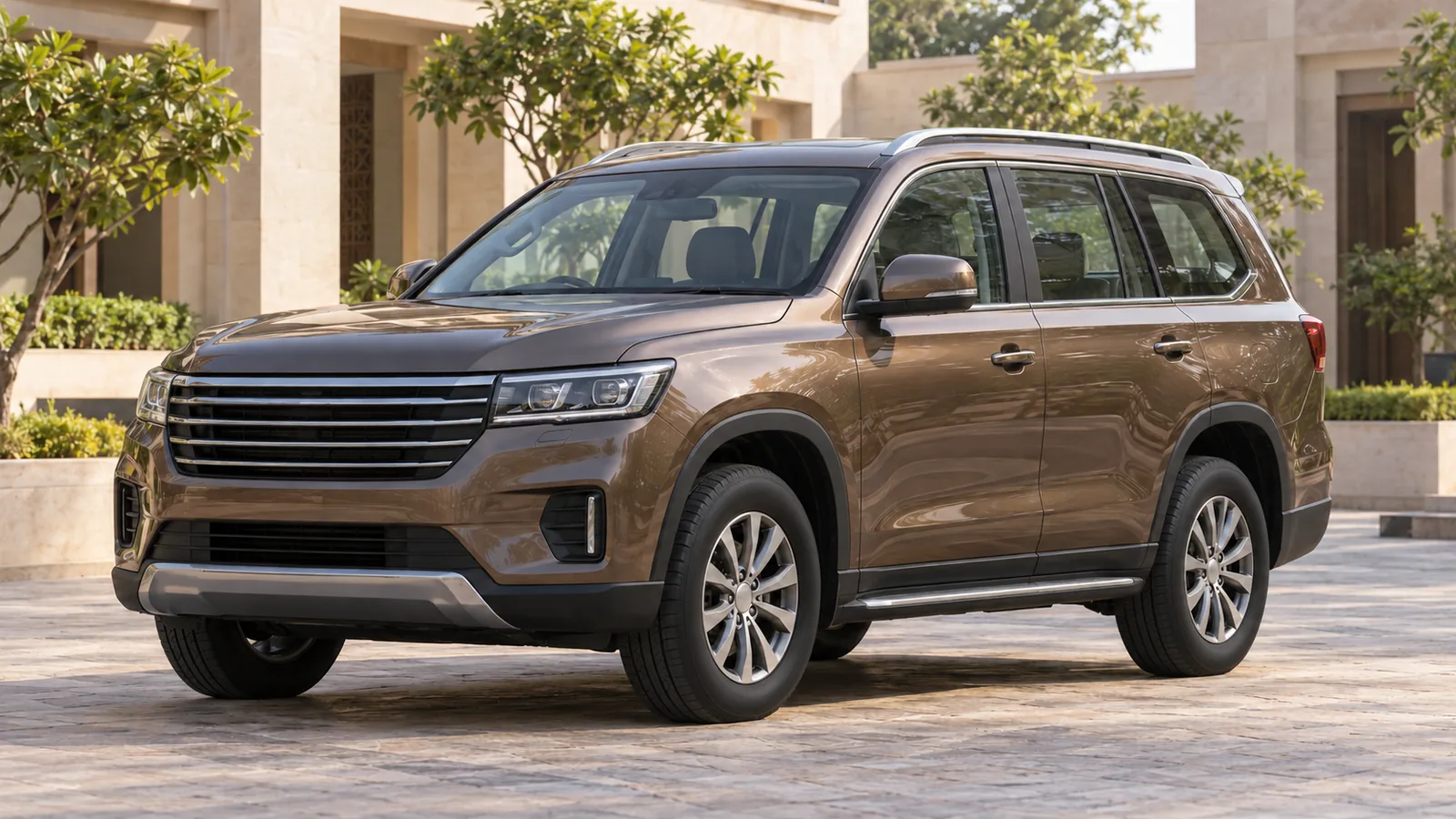
Cover: AI-generated generic unbranded SUV in an illustrative Indian courtyard, not an actual MG Majestor or a depiction of its seating layout.

Read more
Oct 29, 2026

Kia EV6 India: Regeneration Paddles and i-Pedal Explained

Considering the Kia EV6 for everyday driving? Include its braking controls in your test drive. Kia's current India specification page lists paddle shifters for regeneration. The online EV6 manual explains several related functions that are useful to understand separately.

What the EV6's regeneration paddles change

Kia's paddle-adjustment instructions say the left paddle increases regenerative braking and deceleration; the right paddle reduces them. The manual lists adjustable levels from 0 to 3 in Eco, Normal and Sport modes.

Start by asking the demonstrator to identify the selected level on the instrument display. Compare the response at familiar, suitable speeds rather than choosing a setting because its number is higher. Your aim is to understand the relationship between your accelerator input and the car's response.

Paddle-hold stopping versus i-Pedal

The manual's One pedal driving section describes a function operated by pulling and holding the left paddle while coasting. It also sets out conditions governing stopping control and automatic parking-brake activation.

Its separate i-Pedal section describes accelerator-based speed control without continually operating the paddle. The stated selection sequence is another left-paddle pull after reaching regeneration level 3, followed by checking the i-Pedal indicator.

Ask the demonstrator to explain each function on the actual car, using the manual applicable to its model year and software. Keep the selected regeneration level, a held-paddle action and the i-Pedal indication distinct in your notes. That makes it easier to describe which behaviour you prefer when discussing the purchase.

To put your EV6 comparison in budget context, check your indicative eligible amount and estimated EMI before shortlisting. Results are indicative; final eligibility, rate, tenure and approval depend on the lender.

Stopping limits the manual highlights

Kia cautions against relying solely on one-pedal driving to stop: vehicle and road conditions can prevent the expected stop, so the brake may be needed. It also advises against suddenly increasing regeneration on slippery roads and says to depress the brake when stopped or parked using i-Pedal on steep hills. Source: i-Pedal warnings and caution.

Make the test drive useful for your routine

Request a supervised explanation before experimenting with unfamiliar controls. Choose suitable conditions and follow the demonstrator's instructions. Avoid turning a comparison into a test of whether the car can stop without your intervention.

  • Confirm the applicable manual and settings for the exact vehicle offered.
  • Ask what changes when another drive mode is selected or the car is restarted.
  • Discuss any unclear display messages before continuing.
  • Record your preference alongside passenger comfort and ease of control.

Make the decision from the complete demonstration and written offer. Regeneration preferences should sit alongside your charging arrangements, service access and purchase budget.

Before a dealer visit, review an indicative eligible amount and estimated EMI. Results are indicative; final eligibility, rate, tenure and approval depend on the lender.

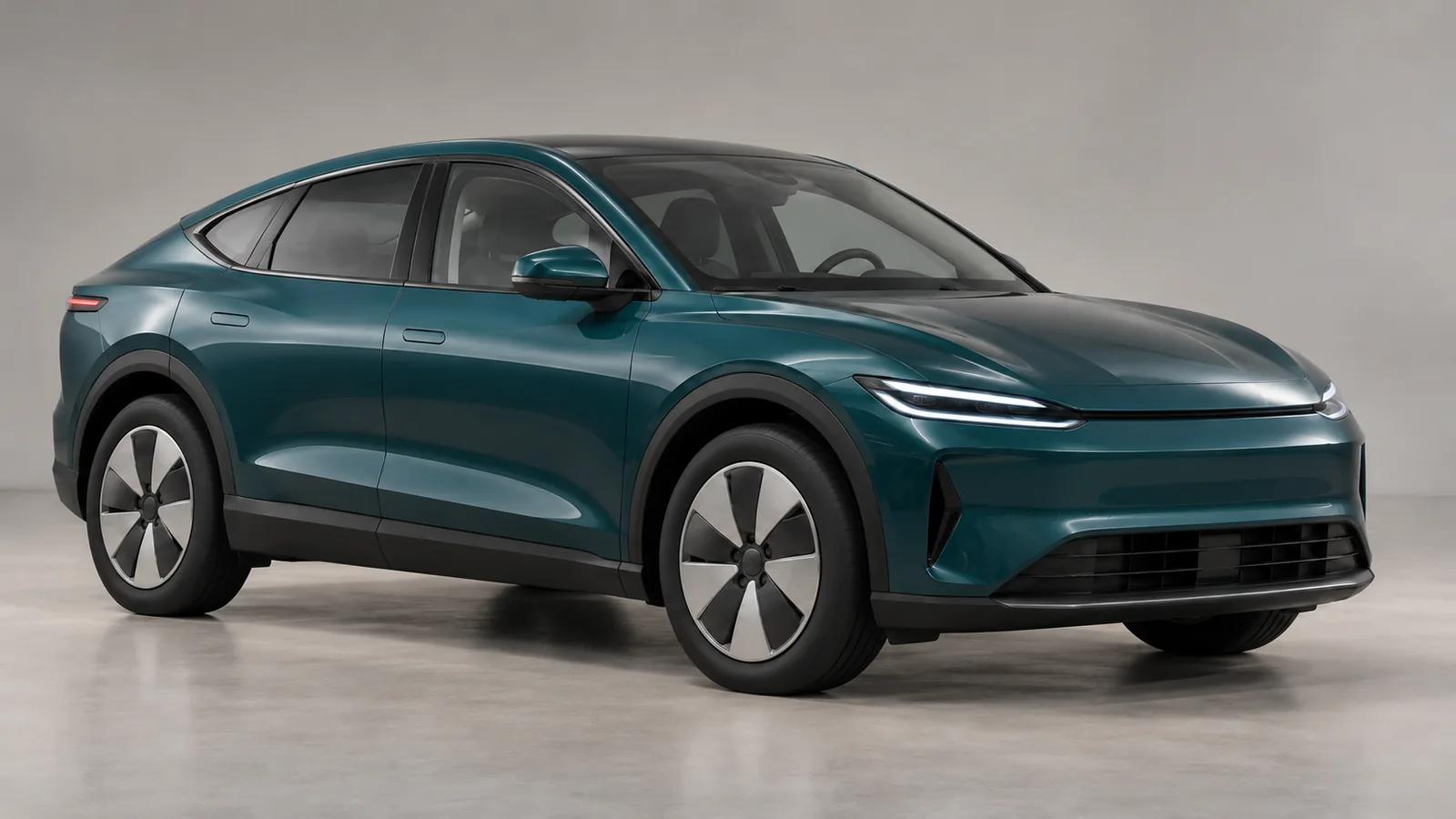
Cover: AI-generated generic unbranded electric crossover, not an actual Kia EV6 or a depiction of its controls.

Read more
Oct 29, 2026

Skoda Slavia India: Front Ventilation and Rear-Seat Massage

Seat comfort deserves a separate showroom check when comparing the Skoda Slavia. The current official India model page lists ventilated front seats, electrically adjustable front seats and rear-seat massage among comfort features offered on selected variants. Confirm each function for the exact car on your quotation.

Which Slavia seat features should you verify?

Feature in the India listingUseful demonstration
Front-seat ventilationLocate the controls and assess airflow in your driving position.
Electric front-seat adjustmentFind a comfortable position and check access to the controls.
Rear-seat massageHave the intended rear passenger try the fitted system.

The manufacturer's comfort FAQ specifies selected-variant availability. Its equipment disclaimer also says specifications differ between models and may change. Obtain a written equipment list identifying the variant and model year being supplied.

How to assess front ventilation and powered adjustment

Begin by setting your normal driving position. Check pedal reach, steering-wheel clearance, visibility and support before exploring the convenience functions. Repeat the exercise for the front passenger, especially if different family members will regularly use the car.

Ask the adviser to demonstrate every fitted adjustment and ventilation control. Check the controls' location, ease of operation and the settings available on the actual vehicle. Take enough time to assess the sensation rather than judging it from a brief touch of the upholstery.

When comparing quotations, record which functions are included as standard and which items, if any, are being offered separately. Ask for clarification if a demonstration car's equipment differs from the car being ordered.

Before shortlisting a comfort upgrade, check your indicative eligible amount and estimated EMI. Results are indicative; final eligibility, rate, tenure and approval depend on the lender.

What to ask about rear-seat massage

Let the person who will usually travel in the rear try the system. Ask the adviser to identify the equipped seating positions and demonstrate its controls, available settings, operating conditions and shutdown procedure. Use the owner's instructions for the fitted vehicle as the reference.

Assess the ordinary rear seat with the function switched off as well. Check legroom behind your preferred front-seat position, head clearance, back support and ease of getting in and out. Consider seat-belt access and the luggage you routinely carry as part of the same visit.

How to confirm the equipment before delivery

Keep the agreed specification with your order paperwork. Ask the retailer to reconcile it with the offered vehicle and explain any difference before you accept delivery. Request a handover demonstration so that every regular user can find the relevant controls.

Review the complete quotation and service and warranty documentation for the supplied car. If an accessory or retrofit is proposed, obtain its fitment and coverage terms in writing.

Before a dealer visit, review an indicative eligible amount and estimated EMI against your total budget. Results are indicative; final eligibility, rate, tenure and approval depend on the lender.

Cover: AI-generated generic unbranded sedan in a photography studio, not a depiction of the Skoda Slavia or its interior equipment.

Read more
Oct 28, 2026

Defender 110 India: ₹99 Lakh Listing and Local Variants

The price guide linked from Defender's official India model page gives buyers a clear starting point for comparing the Defender 110. Reading the engine, model year and pricing footnotes together helps turn an advertised figure into a useful shortlist.

Defender 110 India: official price-guide listings

26MY Defender 110 variantListed ex-showroom price
2.0 litre petrol X Dynamic HSE₹99 lakh
3.0 litre diesel X Dynamic HSE₹118 lakh
3.0 litre petrol X Dynamic HSE₹118 lakh

The official India price guide, page three, marks this Defender 110 group as locally manufactured. These entries carry the 26MY designation. Keep those identifiers together when requesting a quotation.

The practical comparison starts with the vehicle you would actually order. Ask the retailer to identify the complete engine and grade, the model year and the equipment included in the offered unit. A shared grade name should still be checked against a written specification sheet.

How to compare the petrol and diesel quotations

Build the comparison around your intended use: regular journey lengths, annual distance, parking conditions and ownership plans. Arrange a demonstration of the relevant engine where possible, then assess smoothness, response and passenger comfort under ordinary driving conditions.

Obtain running-cost and servicing information for the exact vehicle from the retailer. Review the assumptions behind any ownership-cost illustration, including the distance driven and the period covered. Keep optional equipment visible as separate decisions so that an attractive starting price remains easy to compare with the final offer.

Before shortlisting an engine or equipment package, check your indicative eligible amount and estimated EMI. Results are indicative; final eligibility, rate, tenure and approval depend on the lender.

What the price-guide footnotes mean for your budget

The guide describes prices as illustrative and subject to change, with the price at delivery applicable. It excludes TCS from the ex-showroom figure and says voluntary or optional charges should be invoiced separately. Its printed effective-date note is 1 July 2026. Source: pricing terms.

Use the published listing as a reference and obtain a current itemised on-road quotation. Ask the retailer to explain registration, insurance, taxes and each optional item. Check which amounts are included in any total before comparing offers from different locations.

What to confirm before booking a Defender 110

Request written confirmation of the offered specification, allocation status, estimated delivery window, cancellation terms and quotation validity. Clarify how a price change before delivery would be handled.

For the locally manufactured listing, ask the retailer to confirm the supplied vehicle's production and identification details in its paperwork. Review warranty and service arrangements for that unit alongside the commercial offer.

Before a dealer visit, review an indicative eligible amount and estimated EMI against your complete budget. Results are indicative; final eligibility, rate, tenure and approval depend on the lender.

Cover: AI-generated generic unbranded utility SUV in an illustrative Jaipur courtyard, not a depiction of the Defender 110.

Read more
Oct 28, 2026

VinFast VF 7 Wind vs Sky: Power, AWD and Infinity Roof

The VinFast VF 7's Wind and Sky names separate a drivetrain decision from the Infinity roof choice. For an Indian buyer, that makes it useful to compare performance needs and cabin preferences independently. This guide reads the current official India brochure; it does not announce a new launch or booking window.

VF 7 Wind vs Sky: power, torque and driven wheels

India variantMaximum powerMaximum torqueDriveline
Wind / Wind Infinity150 kW310 NmFront-wheel drive
Sky / Sky Infinity260 kW500 NmAll-wheel drive

These values come from the variant matrix on the official India brochure's final page. Infinity shares the power, torque and driveline of its corresponding Wind or Sky grade.

Use those figures to organise a test drive, rather than treating the larger outputs as a reason to upgrade automatically. Evaluate smooth low-speed movement, how easily you can meter acceleration and how comfortable passengers feel. The most useful comparison follows a similar route with a similar cabin load.

What does the Infinity option add?

The brochure lists its edge-to-edge panoramic glass roof for Wind Infinity and Sky Infinity, with no such roof on Wind or Sky. Across these Wind and Sky grades it also lists ventilated front seats, powered tailgate operation and an eight-way powered driver seat. Source: India feature matrix.

Separate your roof preference from your drivetrain preference. During the showroom demonstration, sit in the rear as well as the front. Examine overhead clearance, daylight, glare and the roof's shade arrangement. Ask the adviser to demonstrate exactly how the roof and its controls work; a panoramic description alone is not a substitute for seeing the equipment.

Before shortlisting an upgrade, check your indicative eligible amount and estimated EMI. Results are indicative; final eligibility, rate, tenure and approval depend on the lender.

How to compare FWD and AWD on a test drive

Ask for the exact grade you intend to buy. Begin with parking manoeuvres and ordinary urban driving before assessing acceleration where lawful and appropriate. Keep stability systems active and avoid aggressive demonstrations on public roads.

Make braking feel, visibility and passenger comfort part of the decision alongside driven-wheel layout. AWD should never become permission to ignore tyre condition, road surface or a safe following distance. Ask the dealer to explain any maintenance or tyre-replacement requirements in the owner's documentation.

What to confirm before placing an order

The brochure cautions that equipment and specifications can change. Check its specification notes, then obtain a written quotation identifying the full grade name and the equipment for the vehicle being supplied. Review warranty, service access and your charging arrangements separately.

Before a dealer visit, review an indicative eligible amount and estimated EMI against the complete quotation. Results are indicative; final eligibility, rate, tenure and approval depend on the lender.

Cover: AI-generated generic unbranded electric crossover in an illustrative Indian setting, not a depiction of the VinFast VF 7.

Read more
Oct 28, 2026

Volkswagen Golf GTI India: Drive Modes, XDS and Steering

Cover: AI-generated generic performance hatchback in a studio. It does not depict the Volkswagen Golf GTI.

Volkswagen India's Golf GTI page currently describes the car as sold out. Check the manufacturer for any future availability update before planning a booking. Official India availability FAQ.

For readers evaluating the model, its driving controls deserve attention alongside the headline performance figures. This guide uses the current India equipment list and Volkswagen's technical background material to frame useful questions for a demonstration.

Which driving modes does the India Golf GTI list?

The India brochure lists four driver profiles: Eco, Normal, Sport and Individual. It also specifies paddle shifts, progressive steering and XDS electronic differential lock. Official India brochure, page 18.

Ask a product specialist to show the settings available within each profile on the actual vehicle. Photograph the menu with permission and compare it with the relevant manual. Treat a mode name as the beginning of that discussion: establish which controls you can adjust and which settings return after restarting.

What does XDS mean?

Volkswagen's archived technical explainer describes XDS as applying brake pressure to the inside front wheel through the stability-control hydraulics to limit wheelspin in a bend. This explains the operating principle; India equipment confirmation comes from the Golf brochure above. Manufacturer's XDS explanation.

Keep the distinction between a listed feature and the complete hardware specification in mind. Ask the retailer to document any additional differential or chassis equipment claimed for a particular car. Request the operating limitations from its manual rather than trying to provoke an intervention during a road demonstration.

While assessing your purchase budget, check your indicative eligible amount and estimated EMI before shortlisting. Results are indicative; final eligibility, rate, tenure and approval depend on the lender.

How should you assess progressive steering?

Volkswagen's technical explainer associates progressive steering with a changing steering ratio and reduced steering movement during manoeuvring. Use that as general background; the India brochure confirms the feature's inclusion. Progressive-steering principle.

During an authorised demonstration, focus on your seating position, steering-wheel reach and how naturally you can make ordinary turns. Repeat a familiar low-speed manoeuvre at a permitted location, with the specialist's guidance. Evaluate whether the steering feels intuitive to you without turning the drive into a handling-limit test.

Confirm the actual car and ownership documents

Obtain the exact model year's specification, service schedule, warranty terms and a written availability statement. If a retailer offers a particular unit, clarify its registration and ownership status, included equipment and delivery terms. Match the documents to that unit before paying a deposit.

Before visiting a dealer, review your indicative eligible amount and estimated EMI alongside the full quotation. Results are indicative; final eligibility, rate, tenure and approval depend on the lender.

Read more
Oct 27, 2026

Maruti Victoris Aurum: ₹22,990 Kit and Buyer Checks

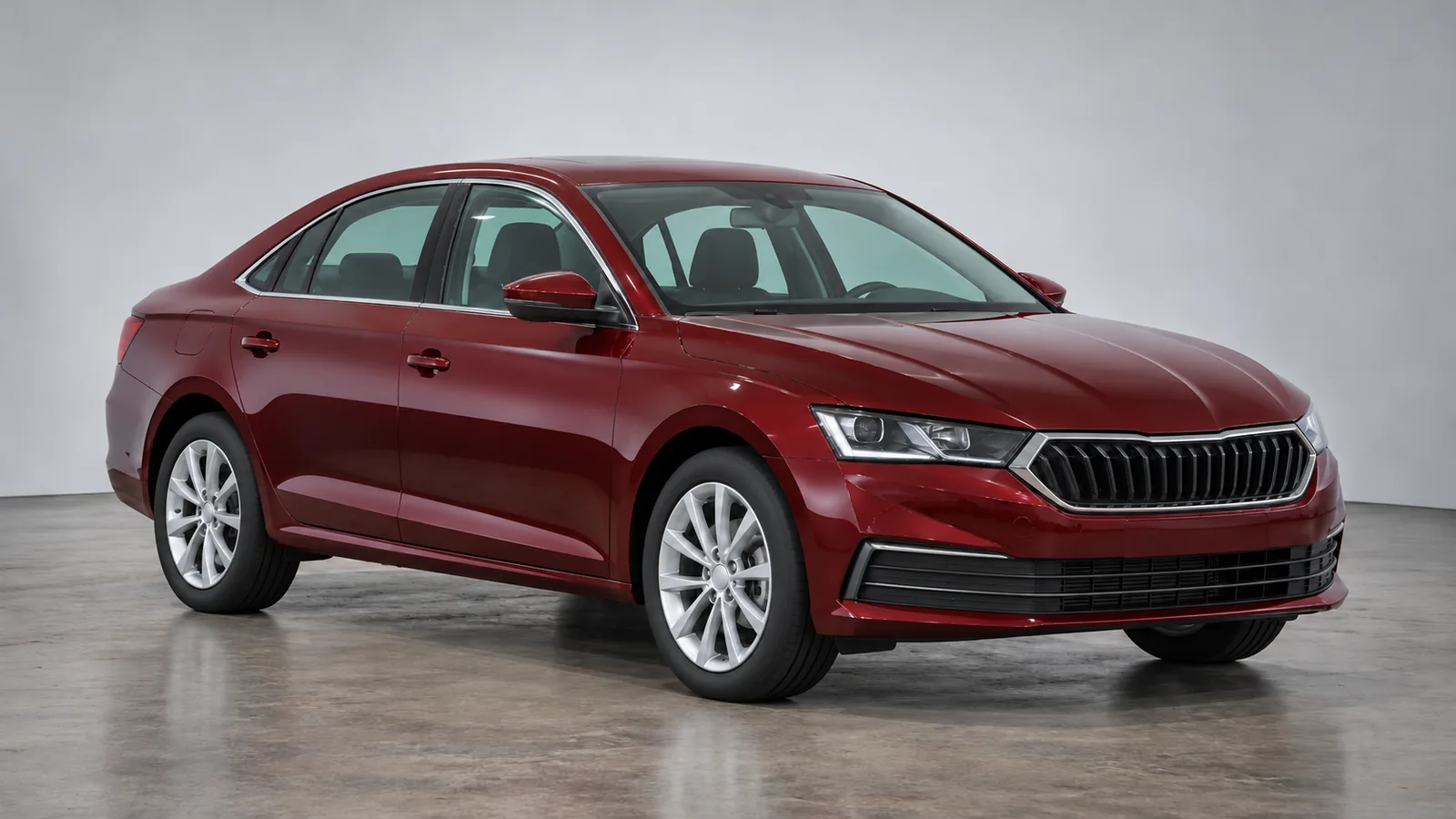
Cover: AI-generated generic SUV in a studio. It does not depict the Maruti Suzuki Victoris or the actual Aurum accessory kit.

Maruti Suzuki's 24 October 2026 release introduces the Victoris Aurum Edition Strong Hybrid with a kit price of ₹22,990. That figure refers to the accessory kit, rather than the vehicle's purchase price. Official launch filing, page 2.

For a buyer already considering the SUV, the decision is practical: do the additional styling and cabin accessories suit your preferences, and does the written quotation clearly show what you are paying for?

Victoris Aurum accessories: what is included?

AreaItems listed by Maruti Suzuki
Copper-coloured detailsFront, side and rear skid-plate designs; wheel arches
Chrome accessoriesGrille, fenders, bumpers, body-side mouldings and door visors
Cabin and luggage areaAll-weather 3D cabin mats, 3D boot mat and rear trunk sill guard

Source: official accessory list, pages 2–3.

View the finish in person before choosing it. Check whether the accent colour works with your preferred body colour, and inspect the appearance in daylight as well as under showroom lighting. Treat the photographs as a starting point for that inspection.

Confirm Strong Hybrid compatibility before ordering

The announcement identifies the Aurum Edition with Strong Hybrid technology. It does not confirm petrol or CNG compatibility, an existing-owner retrofit policy or an installation lead time. Scope of the official announcement.

Ask the authorised dealer to identify your exact grade and model year on the accessory order. If you already own a Victoris, request written confirmation that the proposed kit is suitable for your car before paying. Obtain the complete part list instead of relying only on the edition name.

While setting the overall vehicle budget, check your indicative eligible amount and estimated EMI before shortlisting. Results are indicative; final eligibility, rate, tenure and approval depend on the lender.

How to compare the kit quotation with the car quotation

Request separate lines for the vehicle, accessory kit and any installation or other charges. Ask whether the dealer's quoted total includes taxes and fitting, which items are supplied together, and whether any proposed substitute needs your approval. This makes competing quotations easier to compare.

Keep an itemised copy of what you accept. If a demonstration vehicle has extra accessories, ask the salesperson to distinguish those items from your own order. Decide on the base vehicle's suitability through a test drive and specification review before choosing its appearance package.

Inspect the accessories at handover

Compare the supplied items with your order, check trim alignment and finish, and ask staff to demonstrate that the mats sit securely without obstructing pedal movement. Record any missing or damaged item before completing the accessory handover. Request fitting instructions, care guidance and applicable warranty terms in writing.

Before visiting the dealer, review your indicative eligible amount and estimated EMI alongside the complete purchase quotation. Results are indicative; final eligibility, rate, tenure and approval depend on the lender.

Read more
Oct 27, 2026

Porsche Cayenne Electric India: Charging Ports and DC Conditions

Porsche introduced the Cayenne Electric and Cayenne Turbo Electric in India on 30 September 2026. For buyers assessing the model now, charging access and the conditions behind charging-time claims deserve attention before ordering. Source: official India introduction.

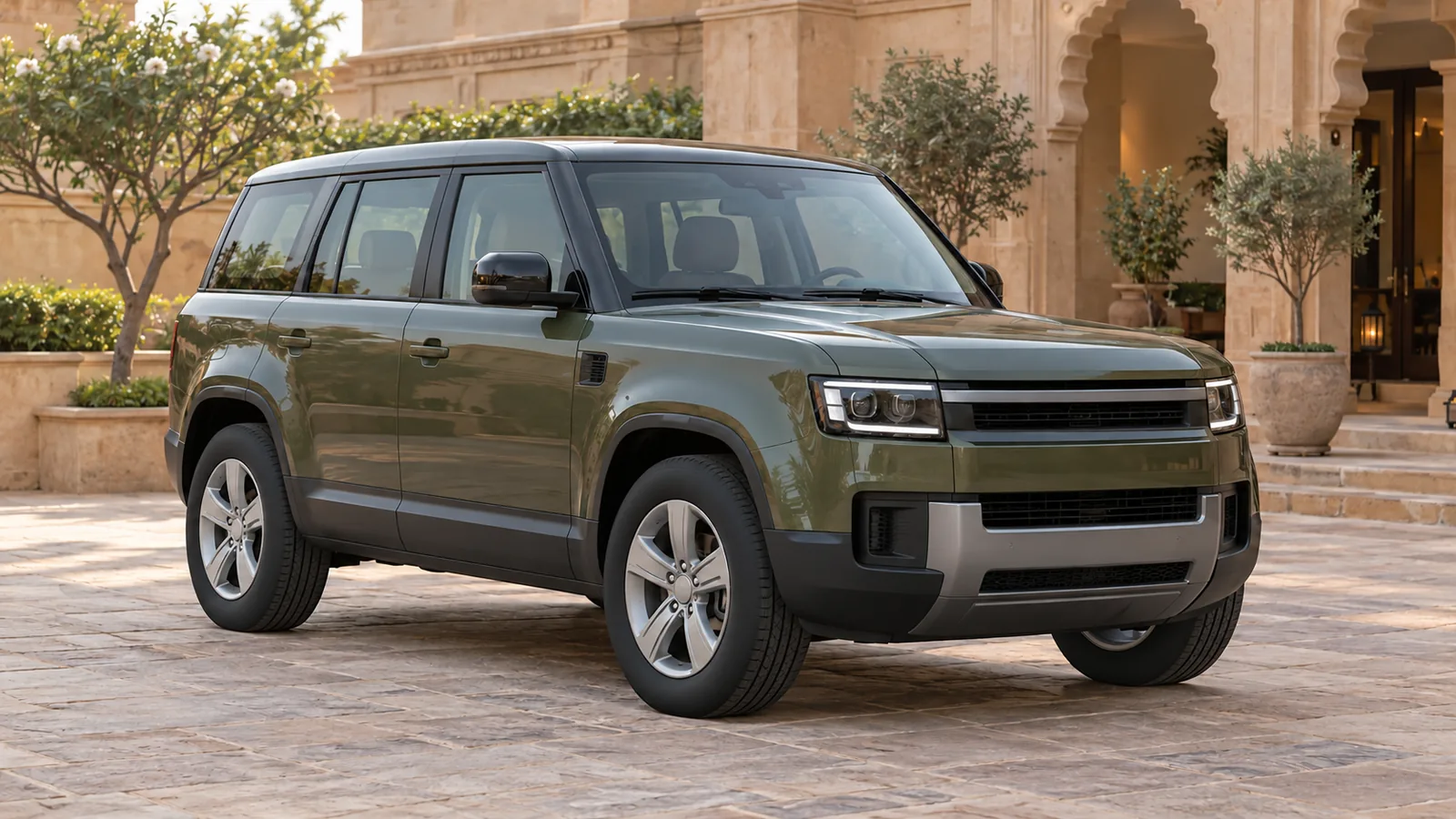
Cover image: AI-generated generic, unbranded electric SUV in a studio. It is not a Porsche Cayenne Electric or an official manufacturer photograph.

Where are the Cayenne Electric's AC and DC charging ports?

Charging detailPorsche India page describes
AC port accessBoth sides of the vehicle
Home AC charging referenceUp to 11 kW; up to 22 kW optionally
DC charging portLeft-hand side

Source: current India model page, charging at home.

Use the port layout when planning cable access. Ask the Porsche Centre to demonstrate the ports on the offered vehicle, then discuss the proposed charger location with the installer. Include your usual parking orientation and cable route in that conversation.

Have the quotation identify the vehicle's AC configuration, charging hardware and installation scope separately. An optional vehicle capability and the equipment supplied with a purchase are different details to confirm.

What Porsche's 16-minute DC claim assumes

The India page quotes 16 minutes for DC charging from 10% to 80% state of charge under optimal conditions. Its footnote specifies a CCS pedestal supplying above 390 kW, above 850 V and above 520 A, a battery temperature of 15°C and an initial state of charge of 9%. Source: charging-time figure and footnote.

Read the time together with that setup. It is neither a full-battery charging time nor a promise for every public charging stop. Ask the Porsche Centre to explain the stated conditions and demonstrate how to check charging information in the vehicle.

Before shortlisting, use AutoCred's loan eligibility checker to explore an indicative eligible amount and estimated EMI alongside the vehicle and charging-installation quotations. Results are indicative; final eligibility, rate, tenure and approval depend on the lender.

Check your charging locations before the dealer visit

For home charging, arrange a site assessment with the Porsche Centre and a suitably qualified installer. Confirm what the proposed installation includes, what approvals are needed for your property and who will support it after handover.

For journeys, review the charging locations you expect to use. Confirm connector compatibility, access arrangements, operating status and payment requirements with the operator. Keep a practical alternative in your route plan rather than relying entirely on a headline charging time.

Keep the order and handover documents specific

Record the agreed charging configuration and included equipment in the order documents. At handover, request a demonstration of flap operation, connection and charging-status checks, with the owner's manual available for reference.

Before a dealer visit, check your indicative eligible amount and estimated EMI through AutoCred's loan eligibility checker, then compare the estimate with a comfortable monthly budget. Results are indicative; final eligibility, rate, tenure and approval depend on the lender.

Read more