BMW 7 Series India: Theatre Screen and Content Checks
Current India feature guide. BMW's 7 Series India page presents a roof-mounted 31.3-inch 8K BMW Theatre Screen for the rear cabin. Source: official India model page.
The useful showroom question is how the display fits your journeys: the viewing position, controls, audio and content you intend to use all deserve a demonstration.
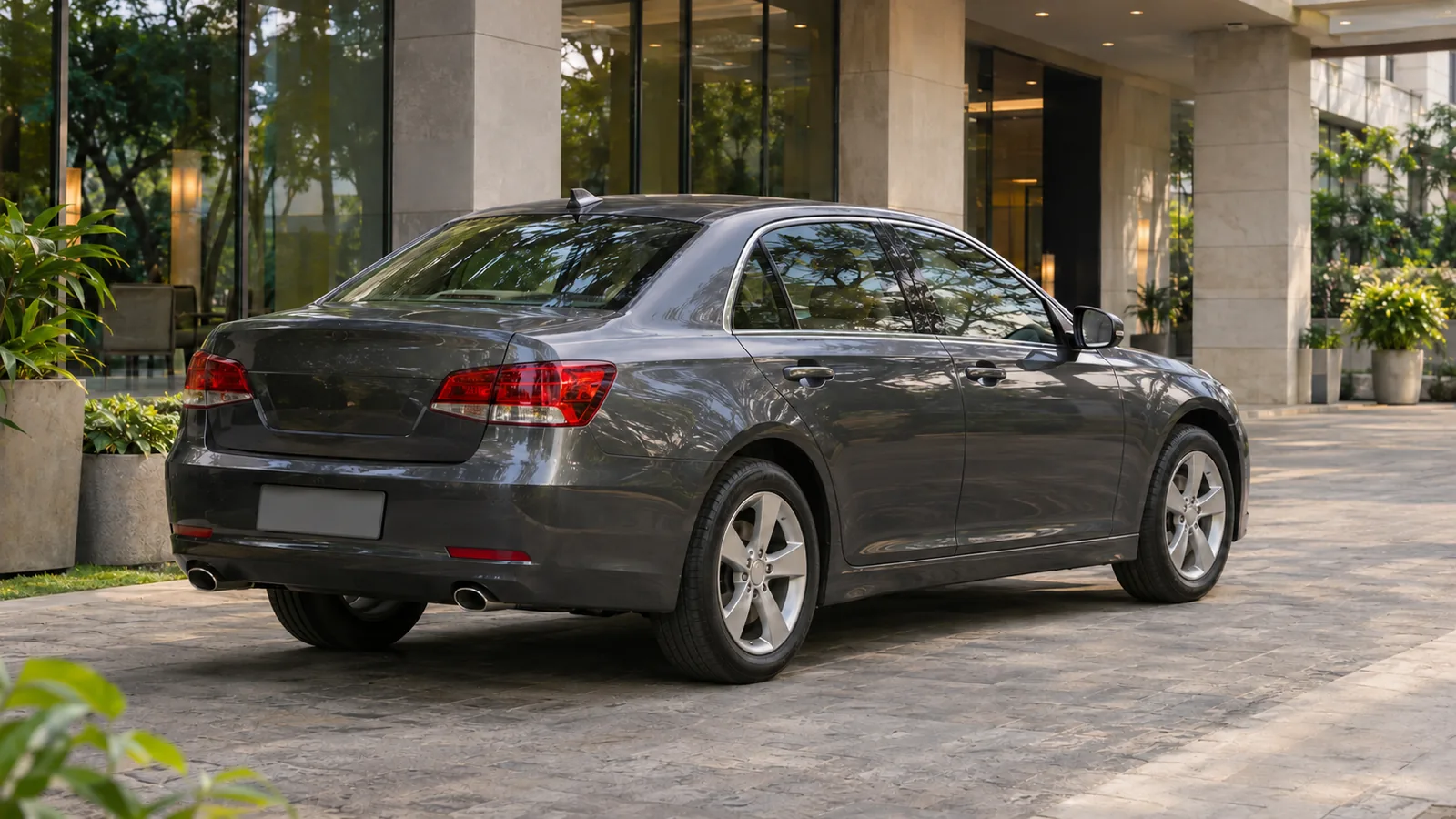
Cover: AI-generated generic unbranded executive sedan at an illustrative Indian hotel entrance. It does not depict a BMW 7 Series, its screen or an official manufacturer design.
Confirm the Theatre Screen on your quoted car
Start with the written equipment specification for the exact car offered. Ask the adviser to identify the supplied rear entertainment equipment and the instructions covering its operation. Confirm that the demonstration vehicle matches the configuration being quoted.
BMW says the screen extends automatically from the roof when commanded. Source: Theatre Screen description.
With the vehicle parked, request a walkthrough of the controls and the return to the normal travelling setup, following the vehicle's instructions. Have the adviser explain rearward visibility and the appropriate setup for the driver as part of that demonstration.
Prepare a practical viewing demonstration
Take the rear seats you normally expect to use and assess the display from those positions. Try familiar material with subtitles, dialogue and varied brightness. Check whether the viewing angle, text size and overall experience suit your preferences.
Ask how passengers select content, adjust the sound and stop playback. If individual listening or device connections matter to you, have the retailer demonstrate the supported arrangement on that car and identify any additional equipment required.
Alongside the demonstration, check your indicative eligible amount and estimated EMI with AutoCred before shortlisting or visiting a dealer. Results are indicative; final eligibility, rate, tenure and approval depend on the lender.
Check apps, accounts and connection requirements
BMW's page notes that app and content availability can change and can vary between countries. Source: content-availability qualification.
Prepare a short list of the services you would actually use. Ask the retailer to show which are supported for the India vehicle, what accounts or connections they require, and what playback quality is available through the demonstrated setup.
Request a written explanation of included services, optional plans and any ongoing charges relevant to your chosen functions. Keep those requirements with the purchase proposal so that the entertainment package can be assessed within the complete ownership budget.
Understand software and handover details
BMW also says software updates can mean promotional screen designs differ from the display in the actual car. Source: screen-design note.
Use the supplied vehicle's menus and documentation during the walkthrough. At handover, repeat the demonstration on your own car and resolve questions about accounts, connectivity and controls with the retailer.
Before your dealer visit, review your indicative eligible amount and estimated EMI with AutoCred alongside the final quotation and planned down payment. Results are indicative; final eligibility, rate, tenure and approval depend on the lender.