Toyota Rumion E vs S: Rear AC, Audio and Charging Guide
Toyota's current Rumion brochure makes the E-versus-S decision partly about everyday cabin equipment. For a focused comparison, start with E MT and S MT, the petrol manual versions, then check the features your passengers will actually use. Source: current Rumion specifications and equipment matrix.
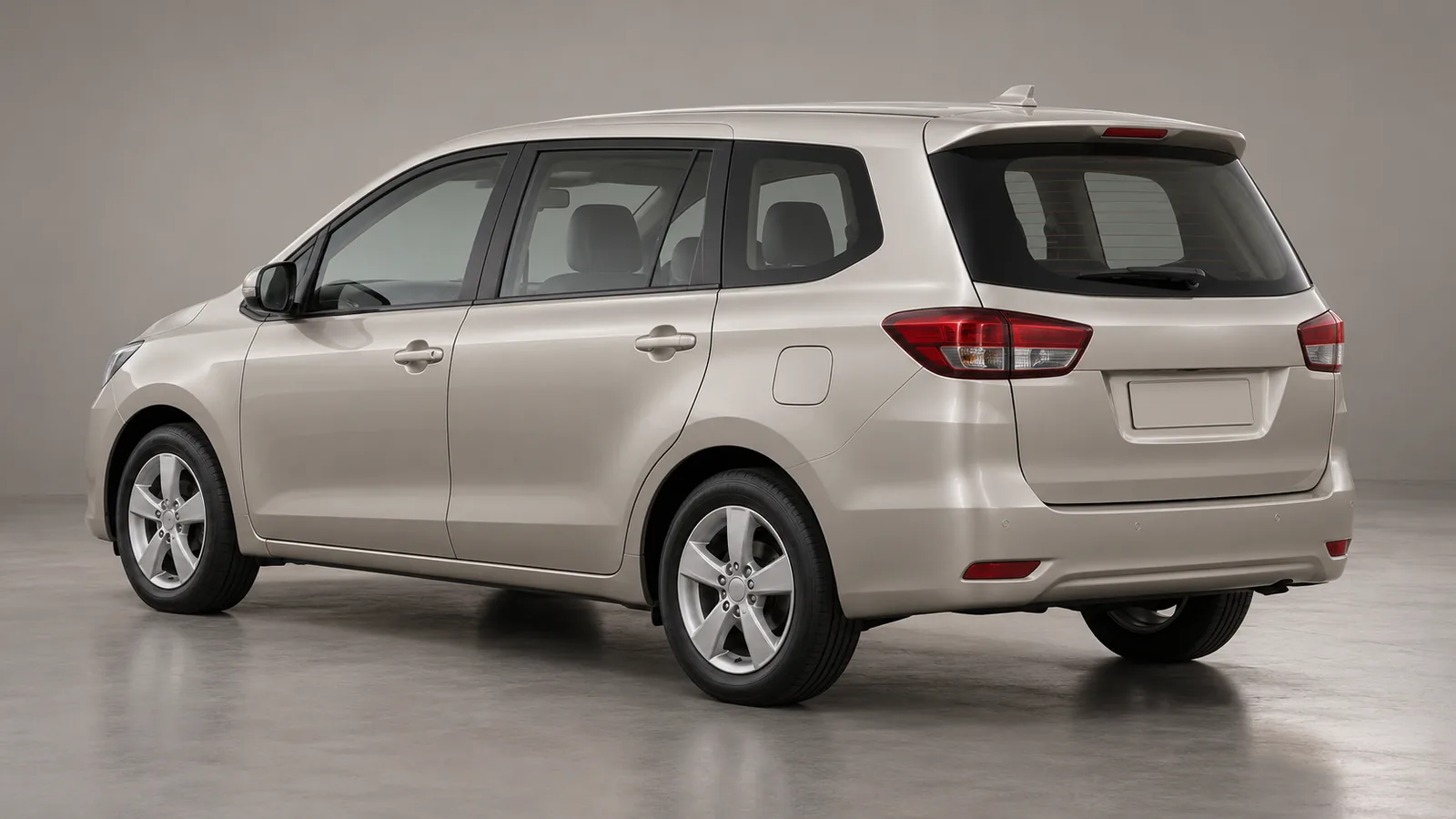
Cover: AI-generated generic, unbranded champagne-silver family MPV in a photographic studio. It does not depict the Toyota Rumion or an official model design.
Rumion E MT vs S MT: cabin equipment
| Equipment | E MT | S MT |
|---|---|---|
| Manual front air-conditioning | Listed | Listed |
| Second-row centre-console AC vent | Not listed | Listed |
| Audio screen with touch buttons, Bluetooth and four speakers | Not listed | Listed |
| Second-row illuminated Type-C charging port | Not listed | Listed |
| Remote keyless entry | Not listed | Listed |
Source: Toyota's grade-by-grade equipment matrix. Listed/not listed follows the brochure; confirm the supplied vehicle's specification.
The front-AC row is important: the comparison is about rear-vent provision, rather than whether the entry grade has cabin air-conditioning at all. Keep the distinction clear when a salesperson describes a version simply as having AC.
Check cooling from the seats your family uses
Ask for a demonstration from the rear cabin as well as the driver's seat. Let the cooling run in conditions representative of your normal use and assess the airflow where passengers will sit. Include the people who regularly travel together when practical.
Try the charging connection with a suitable cable and your own device. Check where the cable will run and whether it interferes with access or seating. A listed connector does not, by itself, establish a charging speed for every phone.
As you weigh the equipment against the quoted price difference, check your indicative eligible amount and estimated EMI with AutoCred before shortlisting or visiting a dealer. Results are indicative; final eligibility, rate, tenure and approval depend on the lender.
Does S include the higher grades' touchscreen and charging?
The brochure lists wireless Android Auto/Apple CarPlay touchscreen infotainment, automatic front AC, third-row Type-C charging and a reversing camera for G and V. Those items are not listed for E or S. Source: infotainment, convenience and safety rows.
Keep the S audio screen distinct from that touchscreen system. Pair your phone and try the functions you need while the vehicle is stationary. If a retailer offers an accessory screen or camera, request its specification, installed price and warranty separately from the factory equipment list.
How should you decide whether the step up is useful?
Build the comparison around your actual use: rear passengers, device charging, audio needs and convenient access. Request itemised quotations for matching fuel and transmission choices so the comparison stays focused on the grade change.
Also review seating comfort, luggage access, warranty terms and local service support during the same visit. Keep optional accessories visible as separate charges. A clear equipment list and a representative demonstration give you a firmer basis for choosing than a general feature headline.
Before finalising your shortlist or making a dealer visit, review your indicative eligible amount and estimated EMI through AutoCred. Results are indicative; final eligibility, rate, tenure and approval depend on the lender.