Nissan Magnite i-Key: Locking Features and Turbo Qualifiers
When shortlisting a Nissan Magnite, check the feature list for the exact trim and powertrain together. Nissan’s brochure gives i-Key locking functions and remote engine start different qualifiers. Source: official Magnite brochure. A useful showroom discussion should identify each function you want and confirm it on the car being offered.
What do Walk Away Lock and Approach Unlock do?
Nissan describes automatic unlocking as the key-holder approaches and locking as they leave. The system uses radio-frequency signals to detect the key’s location. Source: i-Key explanation, page 39.
Ask the representative to demonstrate the functions with the supplied key and show how to recognise the vehicle’s lock or unlock confirmation. Locate the corresponding guidance in the owner’s manual, including any settings and operating conditions relevant to the delivered car.
Read the Magnite i-Key fitment qualifiers
| Brochure section | Selected feature entries | Qualifier |
|---|---|---|
| Acenta | Premium i-Key, Walk Away Lock, Approach Unlock | Turbo only |
| N-Connecta | Premium i-Key, Walk Away Lock, Approach Unlock | Listed without a Turbo-only note |
| Tekna | Inherits N-Connecta features; adds Remote Engine Start | Remote Engine Start: Turbo only |
Source: feature lists, pages 44–45.
Read these selected entries with the complete trim list. Have the dealer mark the relevant features on a quotation that names the engine and transmission as well as the grade. If a feature is essential to your purchase, resolve its fitment before paying a booking amount.
Before shortlisting a trim and powertrain or visiting a dealer, use AutoCred’s loan eligibility checker to assess an indicative eligible amount and estimated EMI. Results are indicative; final eligibility, rate, tenure and approval depend on the lender.
Request a separate demonstration for each function
Prepare a short handover list covering the entry and locking behaviour, the relevant key buttons and remote engine start where equipped. Ask the representative to explain each function using the supplied manual and demonstrate it under the appropriate conditions.
Record any unanswered questions for follow-up. Keep the written feature confirmation, key documentation and manual with your purchase papers. Ask the dealer to identify factory equipment and any proposed accessories separately, so the final quotation is clear.
Match convenience features with your ownership needs
Consider who will use the keys, where the vehicle will normally be parked and which functions matter in your routine. Use those needs to guide the demonstration and variant comparison, then assess the complete quotation against your budget.
Before final shortlisting or a dealer visit, check an indicative eligible amount and estimated EMI with AutoCred’s eligibility checker. Results are indicative; final eligibility, rate, tenure and approval depend on the lender.
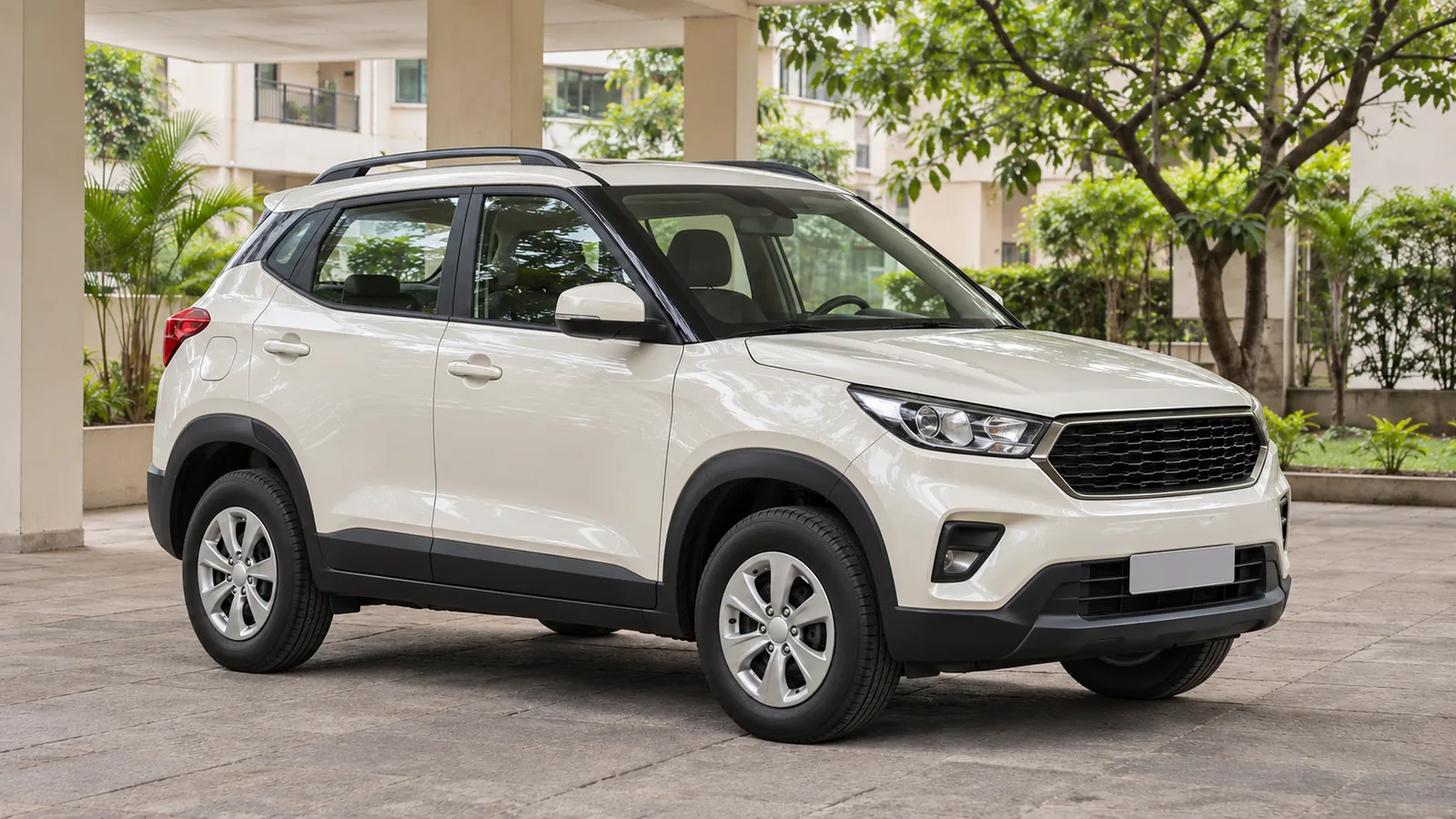
Cover: AI-generated generic unbranded compact SUV in an illustrative Indian courtyard; not an actual Nissan Magnite or an official design.