Kia Seltos GTX(O) Dashcam: Recording and Handover Checks
Kia India's current Seltos listings identify a smart dashcam with front and rear cameras and a mobile app on GTX(O) and X-Line(O). The official model page gives buyers a reason to look beyond the camera count and check how recordings are actually handled.
A useful demonstration should end with you finding and viewing a test clip, rather than merely seeing a camera fitted to the car. Before booking, ask the dealer to explain the supplied equipment, its storage and the process for retrieving footage. Keep the answers tied to the exact variant on your order.
Seltos dashcam and parking cameras are separate checks
Kia lists its smart dashcam separately from the surround-view camera and rear-view camera with guidelines. These are separate entries on the official Seltos feature page; a parking-camera demonstration should not be treated as proof of a saved dashcam recording.
Ask the representative to identify each function in the demonstration car. Confirm which system creates recordings, how the front and rear views are selected and where a saved file appears. Do not assume a live image on a display is being retained for later use.
Check storage, recording settings and clip retrieval
The official equipment listing describes the dashcam with a mobile app. It does not, by that feature name alone, establish a storage capacity, retention period, parking-recording duration or cloud-backup entitlement.
Request the supplied camera's instructions and a demonstration of a short, harmless recording while the vehicle is stationary. Ask where it is stored, how older clips are managed and how to preserve a clip you want to keep. Confirm whether storage media are included and which replacements the supplier supports. Establish the actual recording settings instead of relying on an unverified resolution claim.
Before shortlisting or visiting a dealer, use AutoCred's loan eligibility checker for an indicative eligible amount and estimated EMI. Results are indicative; final eligibility, rate, tenure and approval depend on the lender.
Try the supported app on your own phone
Have the dealer show the correct app and explain the supported connection method. Check compatibility with your phone, then practise finding, playing and exporting the test file. Ask whether the date and time are correct and how to change them through the approved interface. Keep a copy of the instructions for future reference.
Discuss who can access footage when the car is shared. Review any audio-recording option and account permissions with the people using the vehicle. Before handing over a phone, storage card or recording, consider what personal information the file contains. This is an ownership check, not a claim that the camera records the cabin or uploads footage automatically.
Put the camera package on the written order
Confirm the exact variant, supplied camera equipment, installation status and applicable support or warranty terms. If an accessory is offered separately, request its own specification and invoice. A clear handover should leave you able to retrieve footage and knowing whom to contact if recording stops.
Before final shortlisting or a dealer visit, check an indicative eligible amount and estimated EMI with AutoCred's eligibility checker. Results are indicative; final eligibility, rate, tenure and approval depend on the lender.
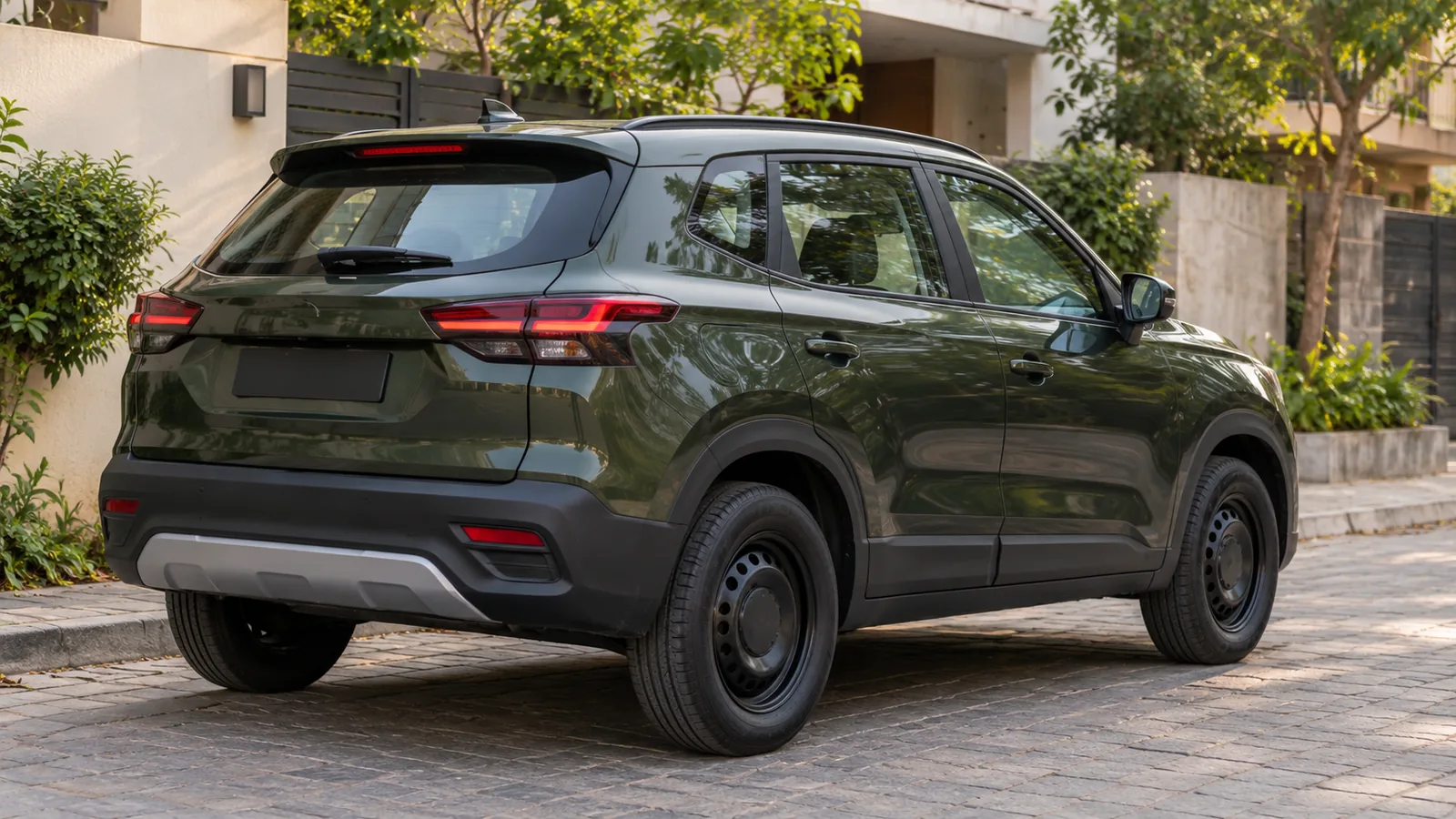
Cover: AI-generated generic unbranded SUV illustration; not an actual Kia Seltos or an official model or camera design.