Hyundai Verna Bluelink: Subscription and Handover Guide
For buyers considering a Bluelink-equipped Hyundai Verna, the current India brochure lists three years of complimentary Bluelink service. The ownership question is what is included, when it expires and how the connected account will be handed over.
Discuss this alongside the vehicle specification. A demonstration of a connected feature does not establish the subscription entitlement on your order. Ask the representative to explain the service period, activation and account responsibilities for the exact car, then record the answers with your purchase documents.
Verna Bluelink subscription: read the included period
The brochure says Bluelink is available on a paid basis after the three-year period. It also lists complimentary Bluelink with extended-warranty purchases for eligible variants, subject to the applicable terms. Source: brochure, final page.
Request a written breakdown of any package offered with the car. Confirm whether it includes an additional connected-service entitlement, its start and end dates, and whether it overlaps an existing benefit. Compare the complete package rather than assigning a value to a verbal promise. Obtain current renewal pricing directly from Hyundai when you need it.
Activation and network coverage need a handover check
Hyundai's official Bluelink FAQ says smartphone-app enrolment is needed for the full range of services. The Verna brochure also makes functionality dependent on adequate power and uninterrupted network connectivity.
Ask for guided activation using your own account and verify the displayed vehicle details and subscription status. Confirm which services your variant supports before relying on a generic demonstration car. If the car normally stays in a basement or another weak-signal area, discuss that location with the dealer and test ordinary supported functions in safe conditions.
Before shortlisting or visiting a dealer, use AutoCred's loan eligibility checker for an indicative eligible amount and estimated EMI. Results are indicative; final eligibility, rate, tenure and approval depend on the lender.
Used Verna buyers should check the connected account
Hyundai says a used-car buyer can access an active entitlement, while a vehicle still enrolled to its previous owner requires support-assisted unenrolment and ownership verification. Its FAQ also recommends unenrolment when selling the vehicle. Source: ownership and transfer FAQs.
Make account transfer part of the handover discussion. Arrange the process with Hyundai support and the seller instead of accepting the seller's login details. Confirm that the car is associated with your account and review authorised sharing. Keep passwords, PINs and verification codes private throughout the process.
Documents to keep with the vehicle order
Retain the exact variant specification, the package invoice, the connected-service entitlement and the relevant terms. Ask who will resolve an activation problem after delivery and how to contact the appropriate support team. This gives you a clear route to assistance if the account or service status differs from what was agreed.
Before final shortlisting or a dealer visit, check an indicative eligible amount and estimated EMI with AutoCred's eligibility checker. Results are indicative; final eligibility, rate, tenure and approval depend on the lender.
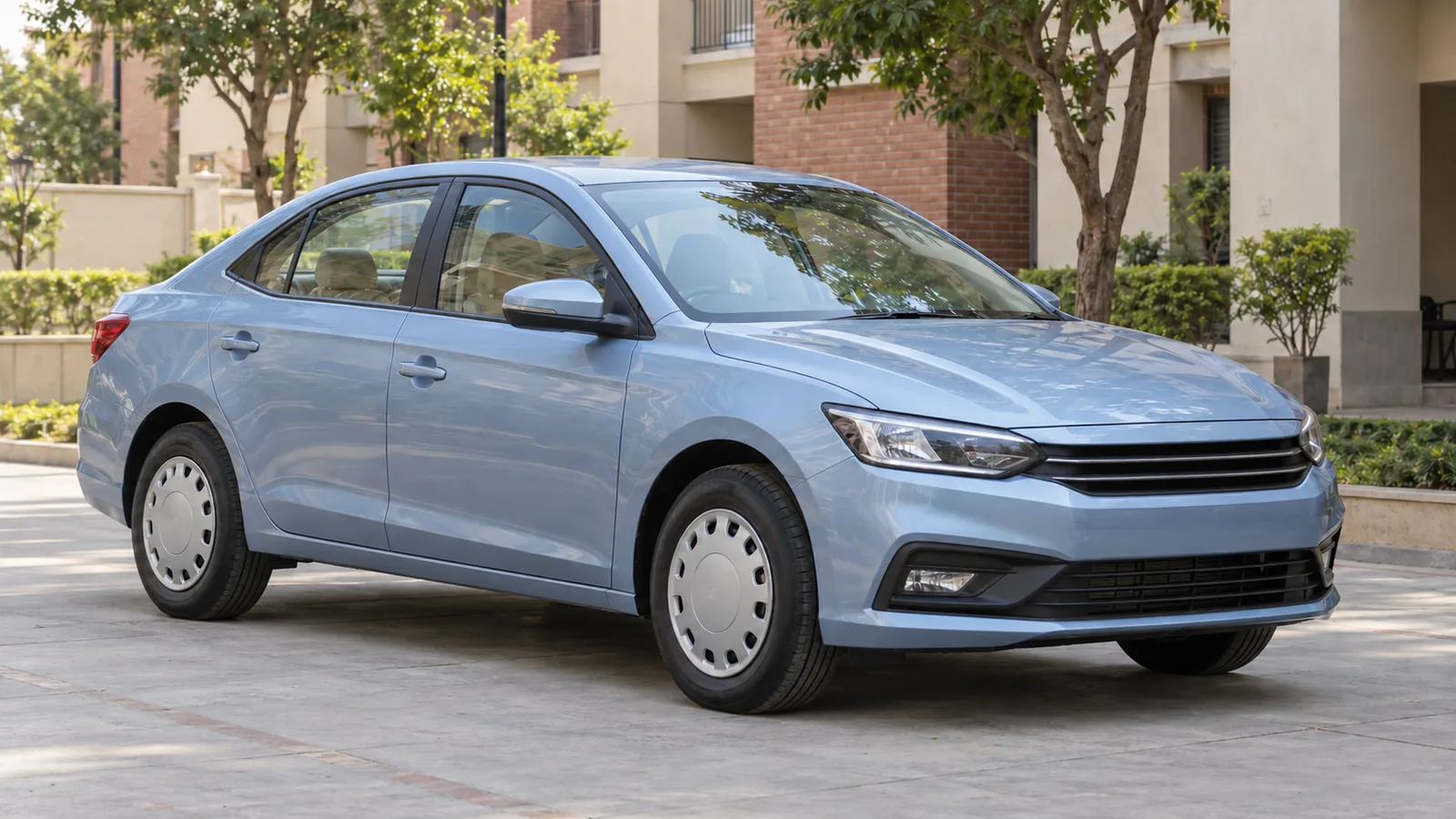
Cover: AI-generated generic unbranded sedan illustration; not an actual Hyundai Verna or an official model design.